
Calculation for Groundwater Pressure Sensors
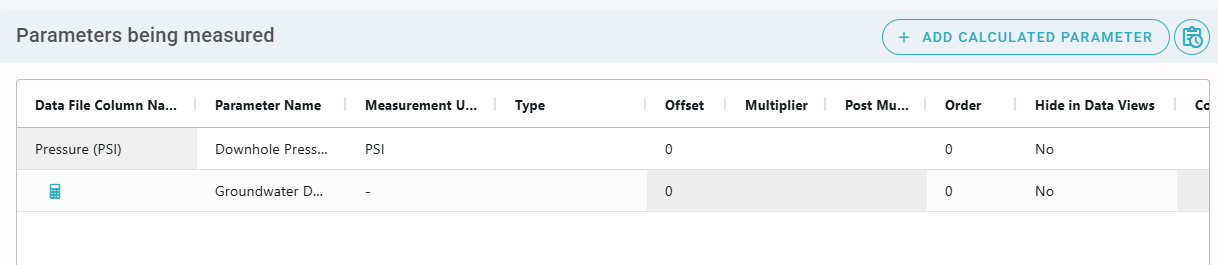
Calculated Parameters can be added to a Logger Event, as shown below. A common use case for this scenario is to use a downhole groundwater pressure sensor corrected against a seperate atmospheric barometric pressure sensor to calculate an estimated depth to groundwater, and to then offset that value to match manual dip readings.
Below is an example script to calculate estimated water depth using
- a downhole pressure sensor
- the sensor depth (below top of casing)
- a seperate atmospheric barometric pressure sensor
Different logger device manufactorers provide different methods for the calculation, and different constants will apply (for example for the wells barometric efficiency or the loggers pressure to water head conversion) and the calculation can be adjusted as needed.
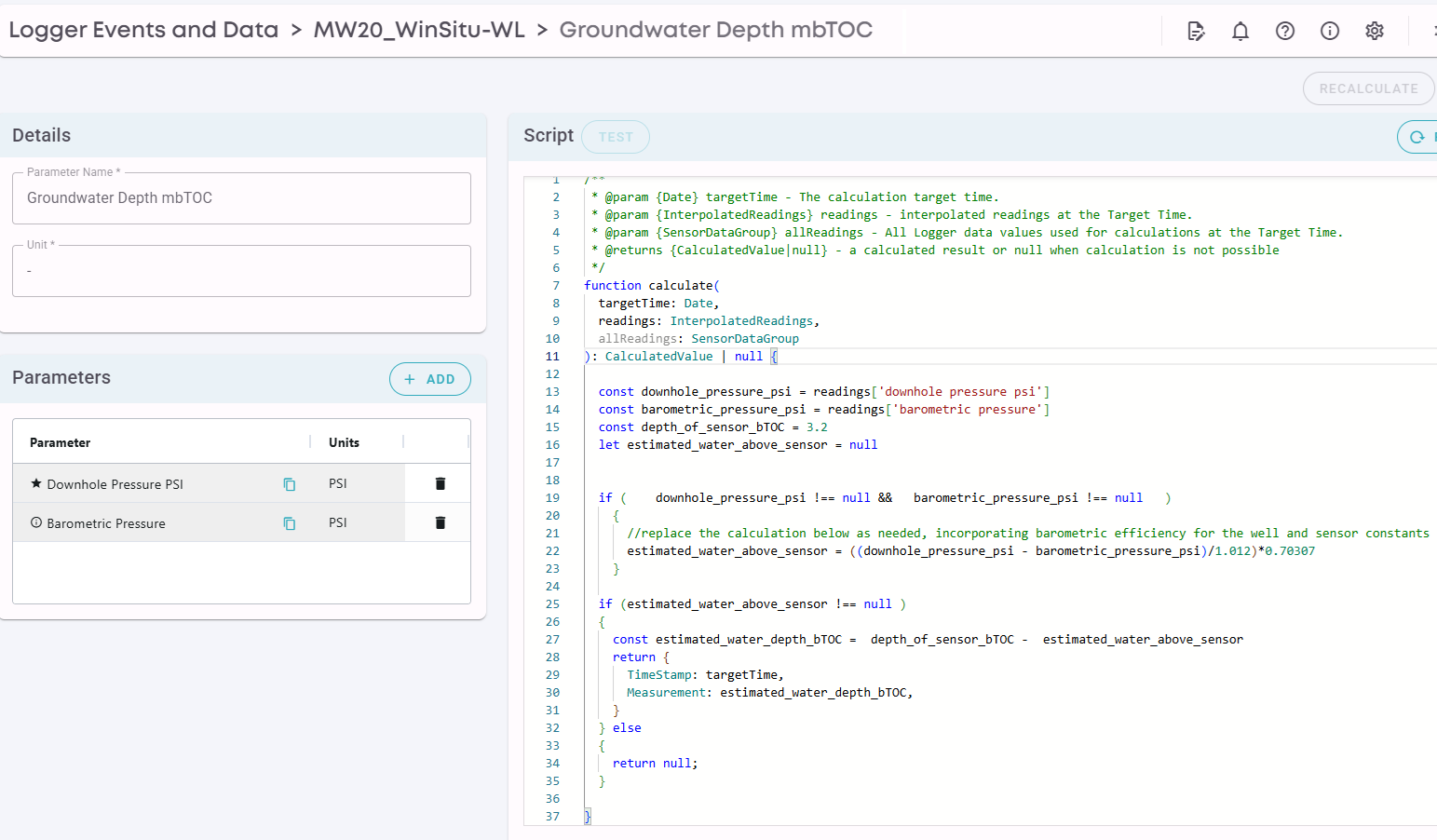
The script shown above is reproduced below.
function calculate(
  targetTime: Date,
  readings: InterpolatedReadings,
  allReadings: SensorDataGroup
): CalculatedValue | null {


  const downhole_pressure_psi = readings['downhole pressure psi']
  const barometric_pressure_psi = readings['barometric pressure']
  const depth_of_sensor_bTOC = 3.2
  let estimated_water_above_sensor = null


  if (    downhole_pressure_psi !== null &&   barometric_pressure_psi !== null   )
    {
      //replace the calculation below as needed, incorporating barometric efficiency for the well and sensor constants
      estimated_water_above_sensor = ((downhole_pressure_psi - barometric_pressure_psi)/1.012)*0.70307
    }


  if (estimated_water_above_sensor !== null )
  {
    const estimated_water_depth_bTOC =  depth_of_sensor_bTOC -  estimated_water_above_sensor
    return {
      TimeStamp: targetTime,
      Measurement: estimated_water_depth_bTOC,
    }
  } else
  {
    return null;
  }


}
By specifiying that the calculated Parameter is of the Type "Groundwater Depth bTOC", the result will be automatically calibrated to match manual dip readings entered into ESdat. The user does not have to implement this adjustment in the script, it is done automatically.
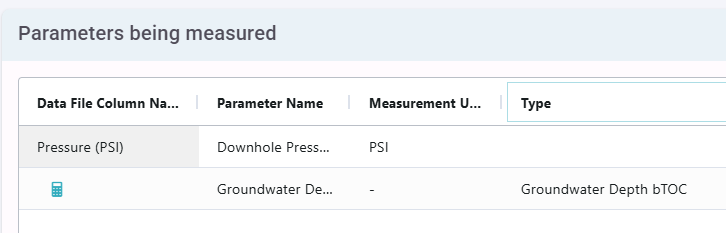
The dip-corrected groundwater depths can then be output as a groundwater elevation via a subsequent calculated parameter, shown below.
function calculate(
  targetTime: Date,
  readings: InterpolatedReadings,
  allReadings: SensorDataGroup
): CalculatedValue | null {

  const toc_elev = 125.21
  const depth_to_water_btoc = readings['gw_depth_btoc']
  if (
    depth_to_water_btoc !== null
    ) {
    //replace the calculation below as needed
    const calculatedResult =  toc_elev - depth_to_water_btoc
    return {
      TimeStamp: targetTime,
      Measurement: calculatedResult,
    }
  }
  return null;
}