Data Explorer
Data Explorer is an interface for advanced users or data experts to analyse their data using advanced SQL style filtering.
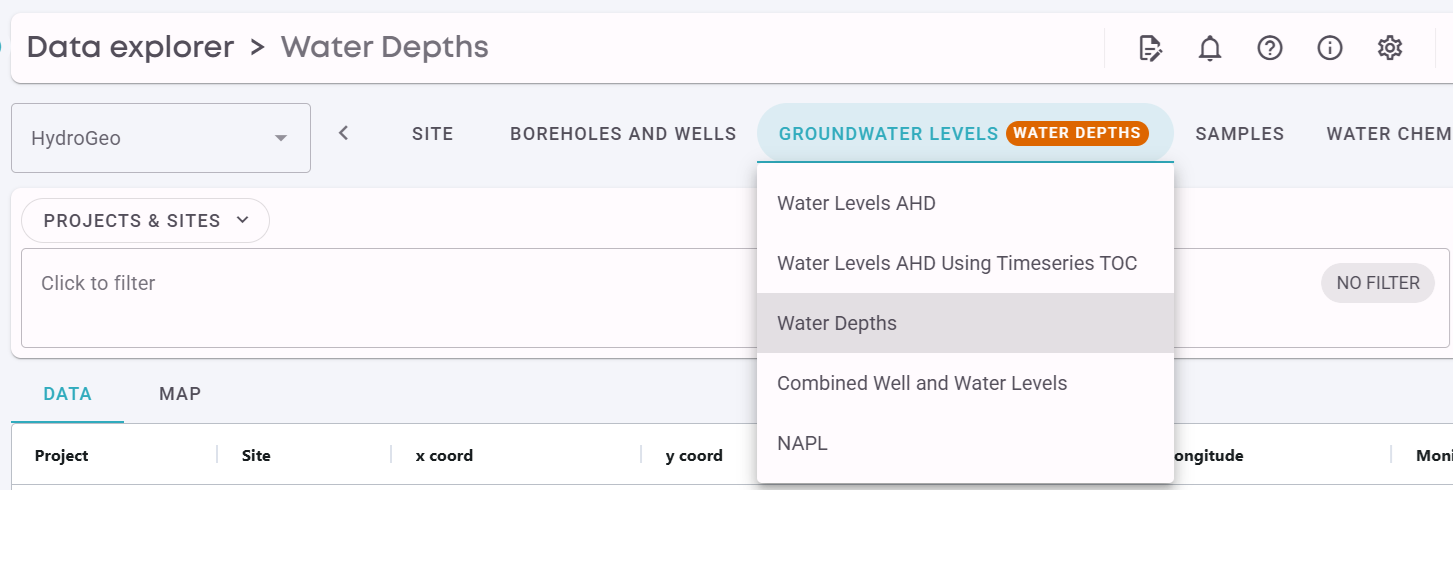
Users can pick from the available Data Types along the top. Each Data Type has one or more Views which combine data from different tables and apply logic, such as showing Water Levels as Depths, or above the Height Datum (AHD).
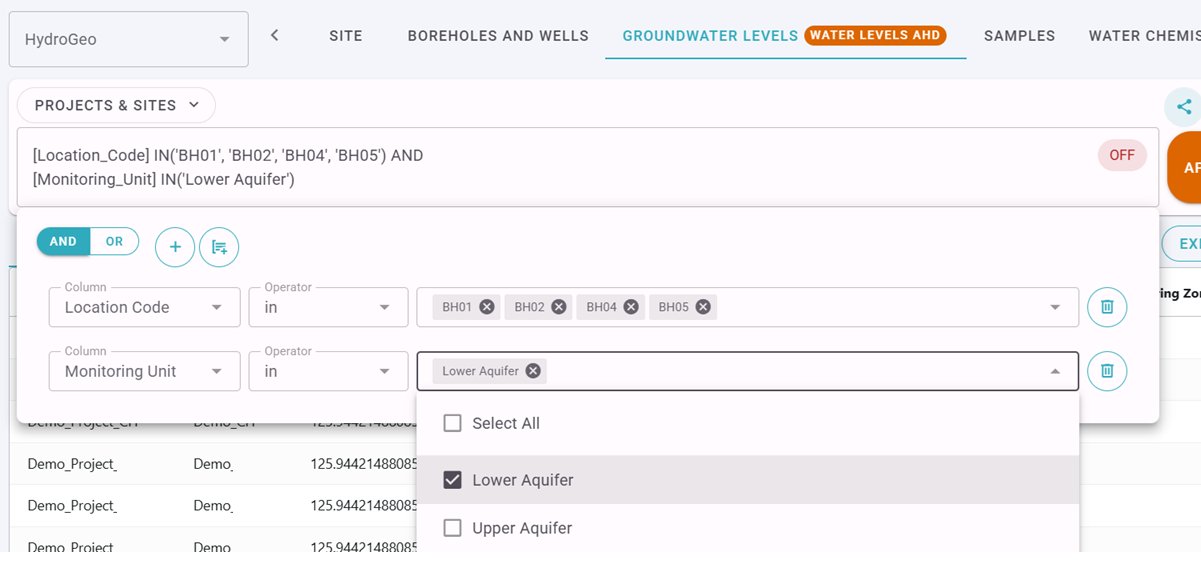
Users can query data from the selected view using SQL syntax, either by typing directly into the filter box, or using the filter builder as shown below.
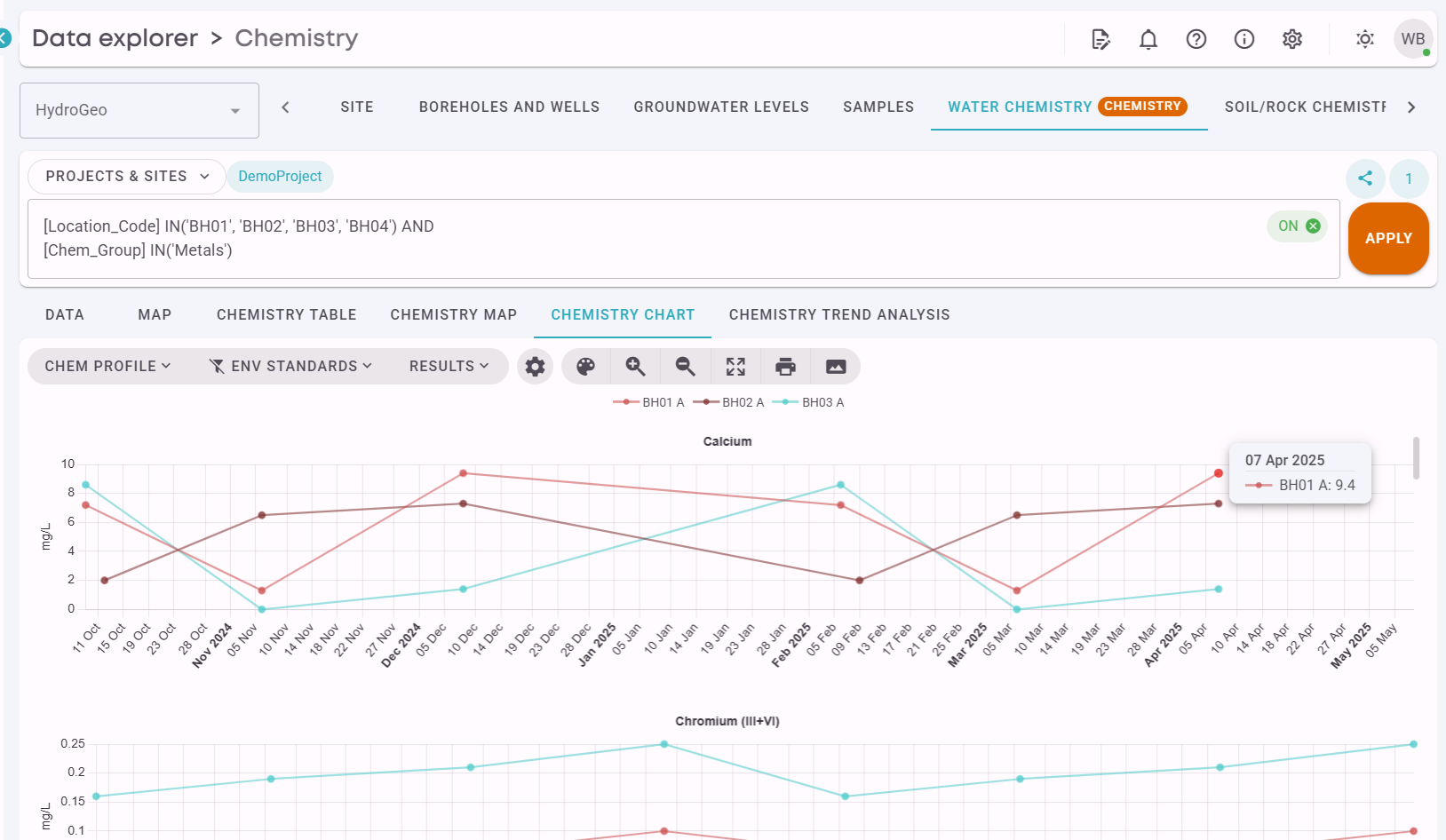
The filtered data can then be viewed or exported in a variety of formats, for example as graphs, maps, tables and Excel exports.
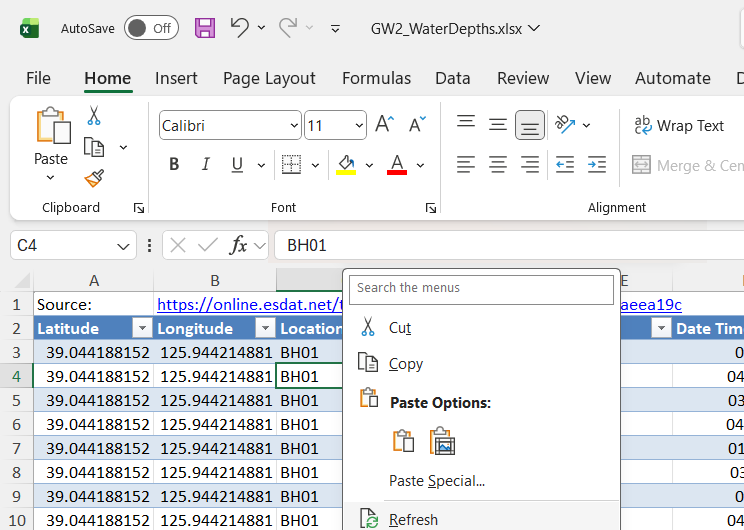
Data exported to Excel can retain a connection to ESdat using the OData protocol, allowing users to use the "Refresh" option in Excel to update the data without having to re-export it from ESdat, as shown below.